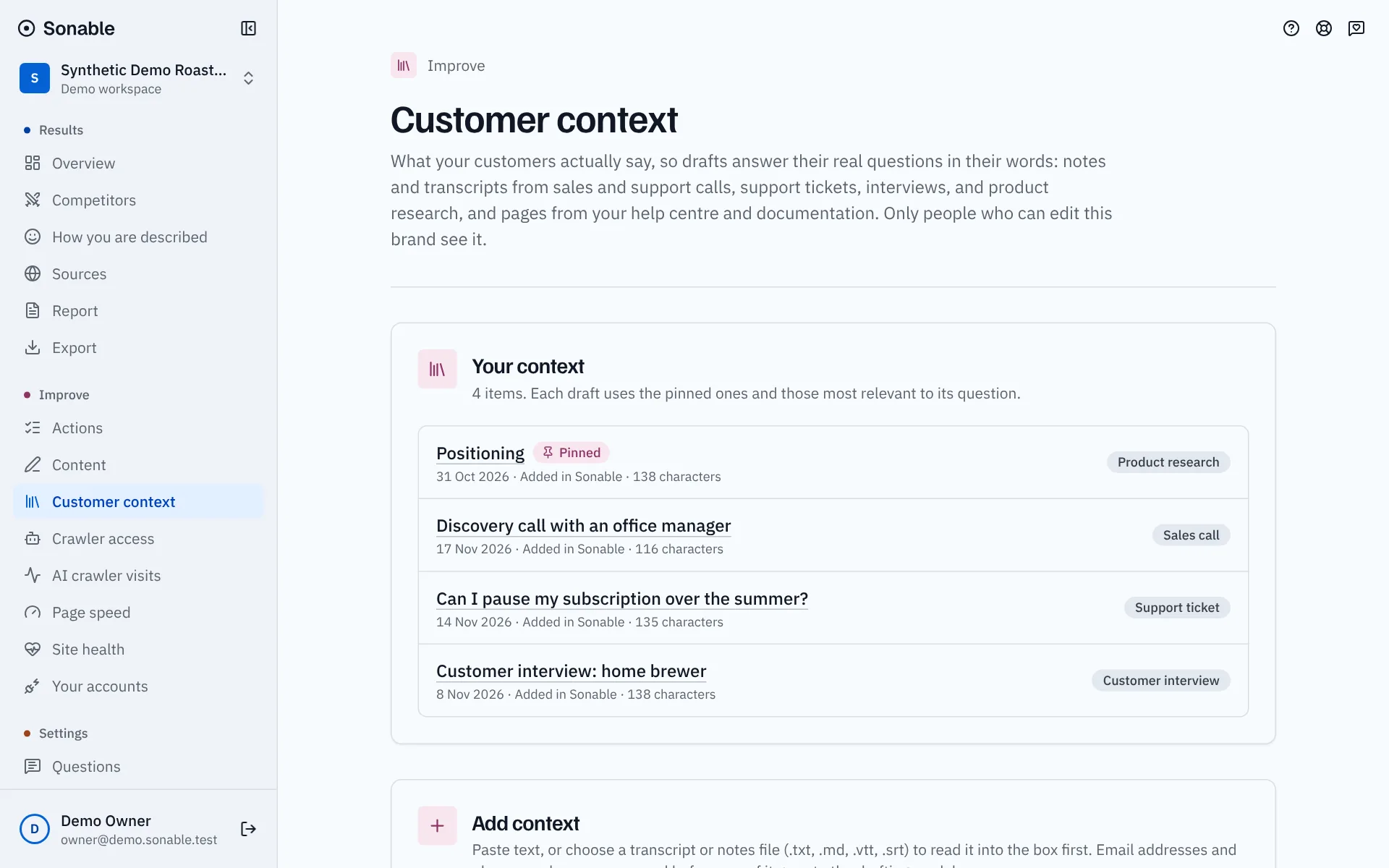
Write drafts in your customers’ own words
A draft written only from your website sounds like your website. Customer context gives drafts the questions and words your customers use.
What goes in
Notes and transcripts from sales and support calls, support tickets, customer interviews, product research, and pages from your help centre and documentation. Only people who can edit the brand see it.
How it gets in
Paste text, or load a .txt, .md, .vtt or .srt file of up to 1 MB.
Add the address of your help centre or documentation. Sonable reads the page, and optionally the pages under it, then reads them again every week.
Send items from any tool that can make a web request, such as Zapier, Make or n8n, to the context endpoint of the API.
How drafts use it
Pinned items, such as positioning and product facts, go into every draft. Other items are used when they match the question. Each draft lists the context it was written with. Email addresses and phone numbers are removed before anything reaches the drafting model.
Not yet
There are no direct connections to call recorders, help desks or CRMs yet. Until there are, send items from those tools through an automation tool and the API.
Related features
Content briefs and drafts
Briefs built from the answers for your weakest questions, drafts you check, and WordPress drafts you publish yourself.
API and MCP server
A REST API and an MCP server with 17 tools, so scripts and assistants such as Claude read the same figures you do.
Question topics
Figures pooled by topic and buying stage, and every question in detail, down to each answer.
See where you stand first
The free report asks the assistants about your business and emails you the result: how often they name you, who they name instead, and what to fix. No card needed.